REimagineHome: 5 Free Designs, No Sign-Up or Payment
TL;DR
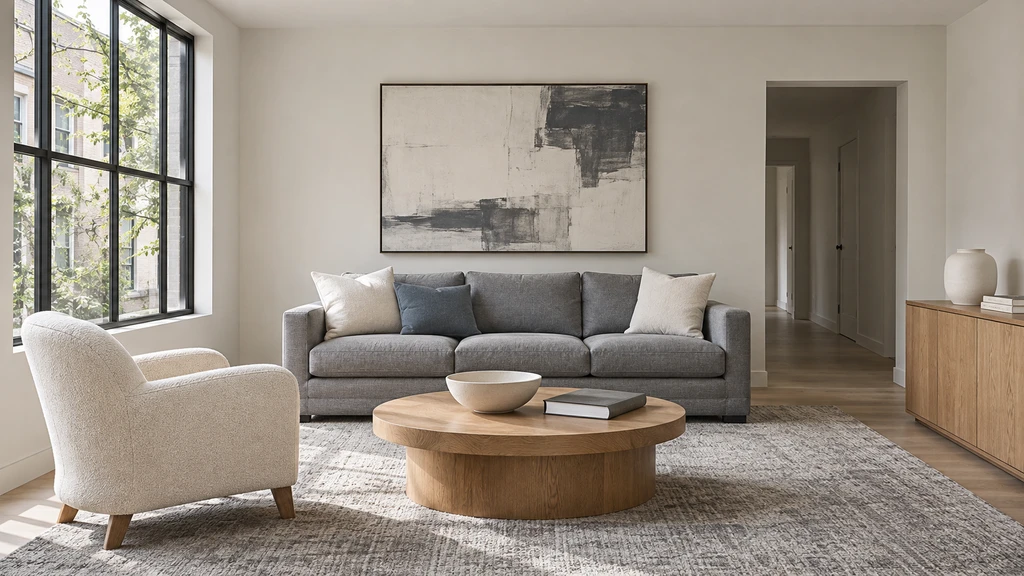
REimagineHome now offers five free designs with no sign-up or payment required. Upload a photo of your space or start with a sample, describe what you want to change, and explore the results. Use the free designs to compare ideas for your room before deciding whether to continue.
-
Try AI Home Design Before Creating an Account
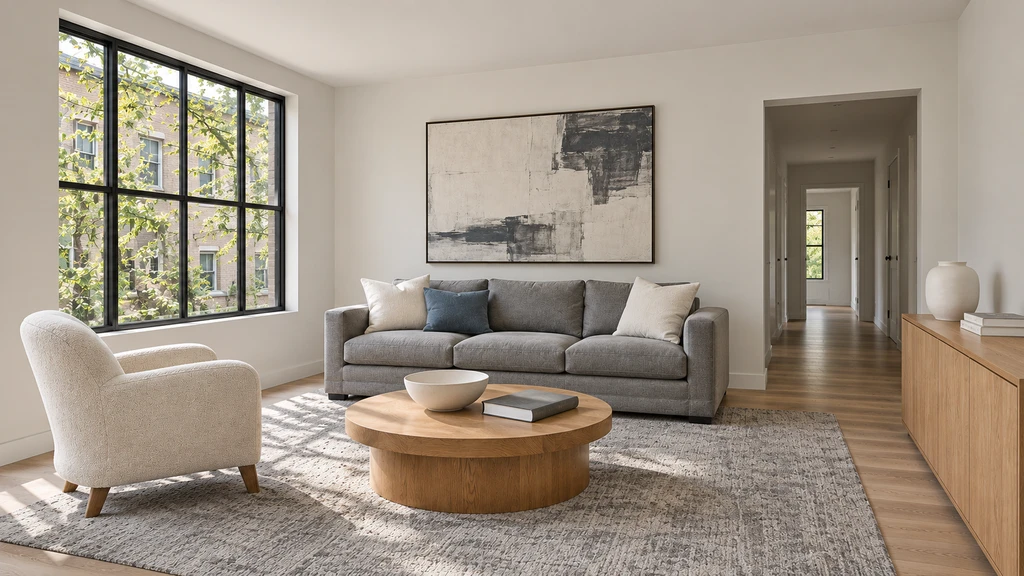
Start with your own room photo to judge whether an AI redesign helps you make a useful design decision.
Will an AI redesign actually help with your room? That is easier to answer when you can try it with your own photo. REimagineHome now offers five free designs without requiring sign-up or payment. You can explore a room update before deciding whether the tool belongs in your design process.
Start with something you have been considering: a different wall color, a warmer living room, or furniture that works better together. The first goal is simple: generate a useful visual and judge whether it moves your decision forward.
-
What Does the New Free Design Offer Include?
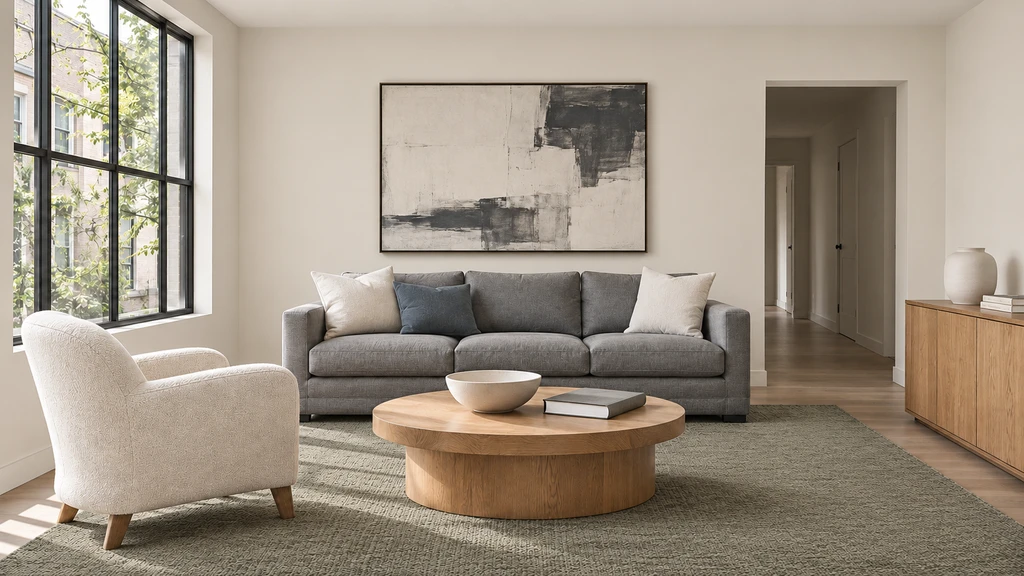
The offer includes five free designs, with no account creation or payment details required.
The update makes it easier to begin. You can try REimagineHome without creating an account or entering payment details. The offer covers five free designs.
Getting Started What the Offer Provides Free designs Five designs to try the experience. Account creation No sign-up required to get started. Payment details No payment or credit card required for the five free designs. Starting image Upload a photo of your space or try a sample. According to our guide on REimagineHome AI, this approach lets you experience the platform's core features without any obligations—ideal for first-timers still deciding if AI visualization fits their project.
-
How to Start Your First Free Room Design
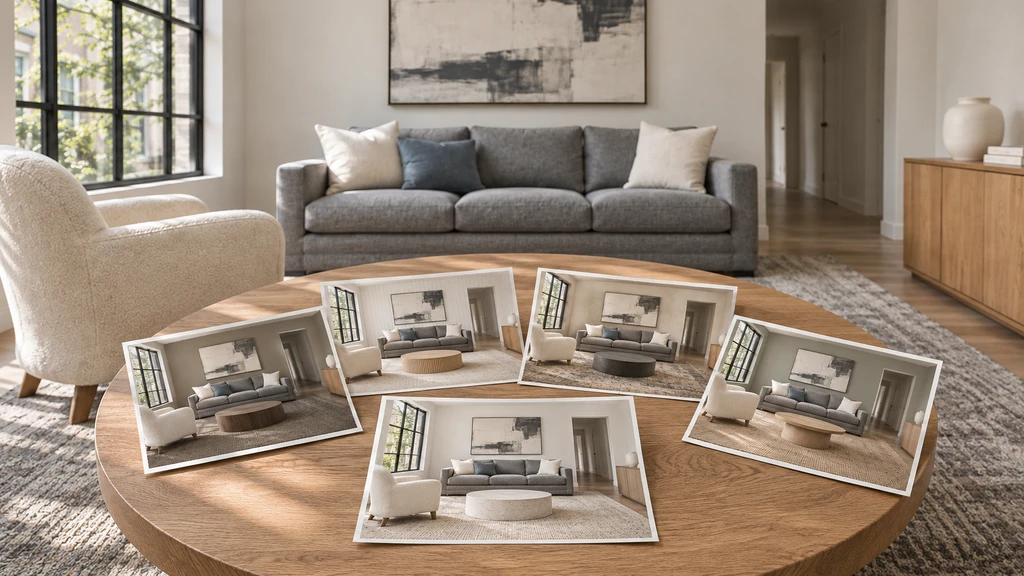
Upload a clear room photo or choose a sample, describe your changes, and compare the result with the starting image.
Visit REimagineHome and choose “Start 5 free designs” or use the photo upload area. A sample image is useful for getting familiar with the experience; your own photo helps you evaluate an idea in the space you actually want to change.
- Choose a clear photo showing the area you want to redesign.
- Describe the change you want and identify what should stay.
- Generate a design and compare it with your original photo.
- Use what you learn to make your next request more specific.
If you want inspiration for your prompts, explore these AI design style templates for proven ways to describe the mood or features you're after.
-
Give Your First Design a Clear Brief
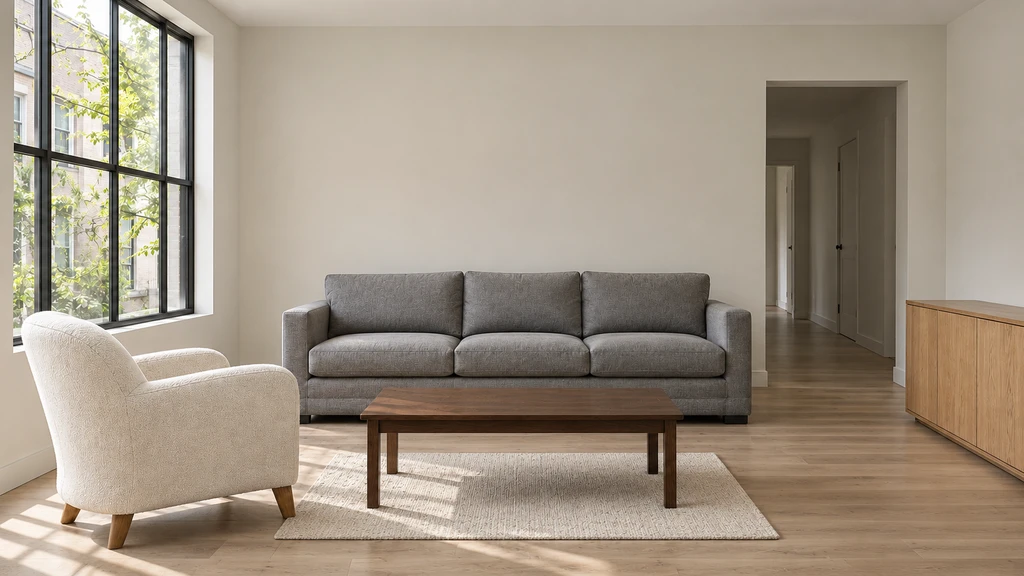
Specify what to change and what to keep, such as an olive rug and round oak table around your existing gray sofa.
Before generating, choose one question the image should help answer. For example: would a warmer palette work with your gray sofa? A focused request makes the result easier to judge than a broad instruction to “make the room beautiful.”
Try this prompt: “Refresh this living room with warm off-white walls, an olive green rug, and a round oak coffee table. Keep the existing gray sofa, windows, doors, and flooring. Keep accessories minimal.” Adjust the details to match your photo, then check whether the result follows both your requested changes and your instructions about what to retain.
This method borrows from our advice on using reference photos with AI, which helps maintain important details in your design outcomes.
-
Make Your Five Free Designs Answer Useful Questions
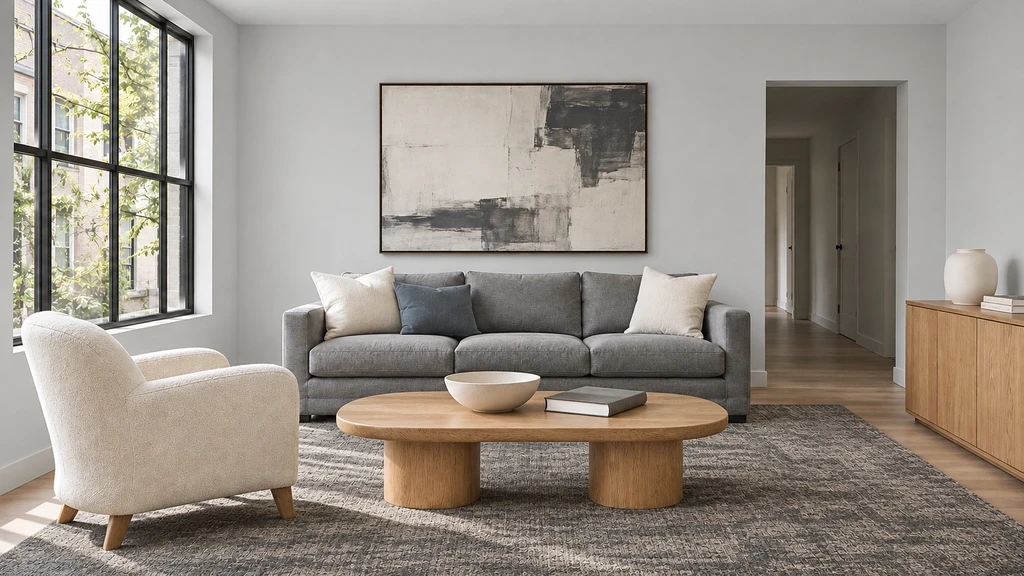
Use your five designs to compare walls, rugs, and tables, then bring your preferred choices into one scheme.
You can use the allowance to explore a few directions for one room. The example below turns five designs into a comparison around a sofa you want to keep. It is a suggested approach, so adapt it to the decision that matters to you.
Design What to Explore Question to Answer 1 A warm neutral refresh. Does this overall direction suit the room? 2 A different wall color. Which color works better with the sofa? 3 A different rug. Does the room need more contrast? 4 A different coffee table. Which shape looks better with the seating? 5 Your preferred choices together. Do these choices work as a complete scheme? For each comparison, ask to keep unrelated elements unchanged. As we explored in our coverage of AI reference photo features, checking that key items remain consistent will ensure you’re actually comparing the design details that matter.
-
Judge the Result Against Your Actual Room
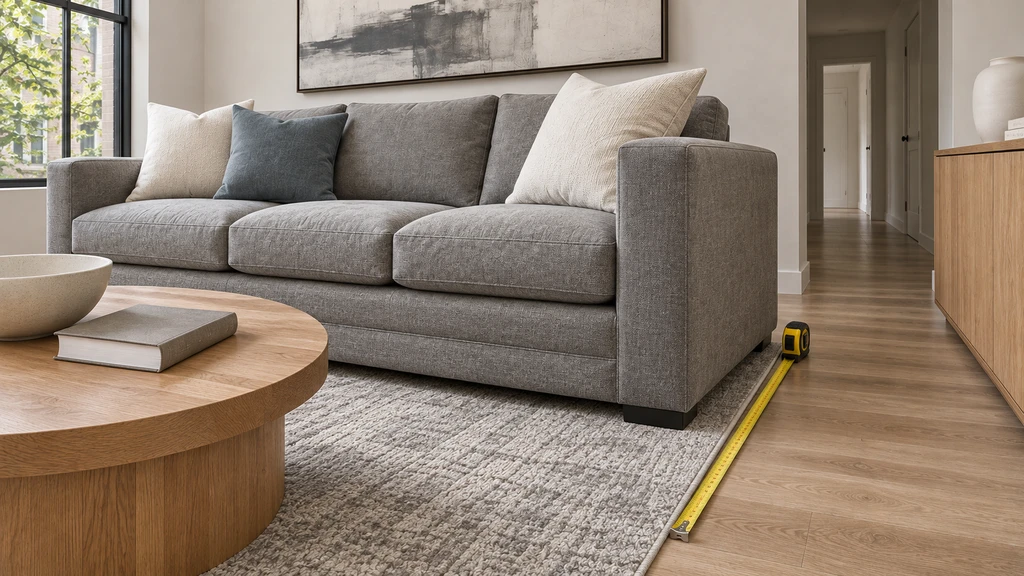
Review retained furniture and architectural details, then verify dimensions and material samples before buying.
A useful AI design should help resolve your question. Look beyond the overall impression and compare the details with your photo and instructions.
- Are the furniture pieces you wanted to keep still represented?
- Have important doors, windows, and wall features remained consistent?
- Did the requested color or furniture change appear?
- Does the result help you choose a direction or rule one out?
Use the image to narrow your options. Before purchasing, verify furniture dimensions in the room and test paint or material samples in your actual lighting. If you want ideas for balancing online and in-store choices, check our visualization strategies for comparing furniture purchases.
-
Decide What to Do After Trying the Free Designs
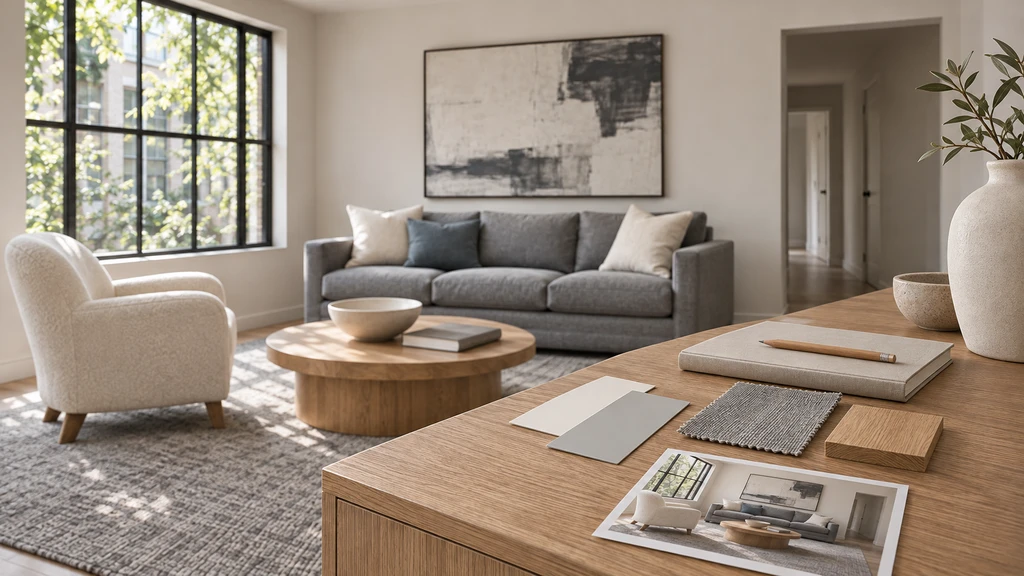
Choose a practical next step after your free designs: test a paint sample, measure for furniture, or keep what already works.
Your next step might be choosing a paint sample, measuring for a table, or keeping the furniture you already own. Note which result was most useful and why. That gives you a clearer starting point for any further design work.
The free offer covers five designs. If you want additional designs afterward, review the current options on REimagineHome’s pricing page. You can make that decision after evaluating the initial experience.
Frequently Asked Questions
Can I use REimagineHome without signing up?
Yes. REimagineHome now offers five free designs with no sign-up required, so you can try the experience before creating an account.
Do I need a credit card for the five free designs?
No. The five free designs do not require payment or credit card details.
Can I use my own room photo?
Yes. You can upload a photo of your space to explore design ideas. Sample images are also available if you want to try the experience before choosing a room photo.
Are the free designs unlimited?
No. This offer includes five free designs. Check REimagineHome’s current options if you want to create additional designs afterward.