AI Pool Addition & Transformation
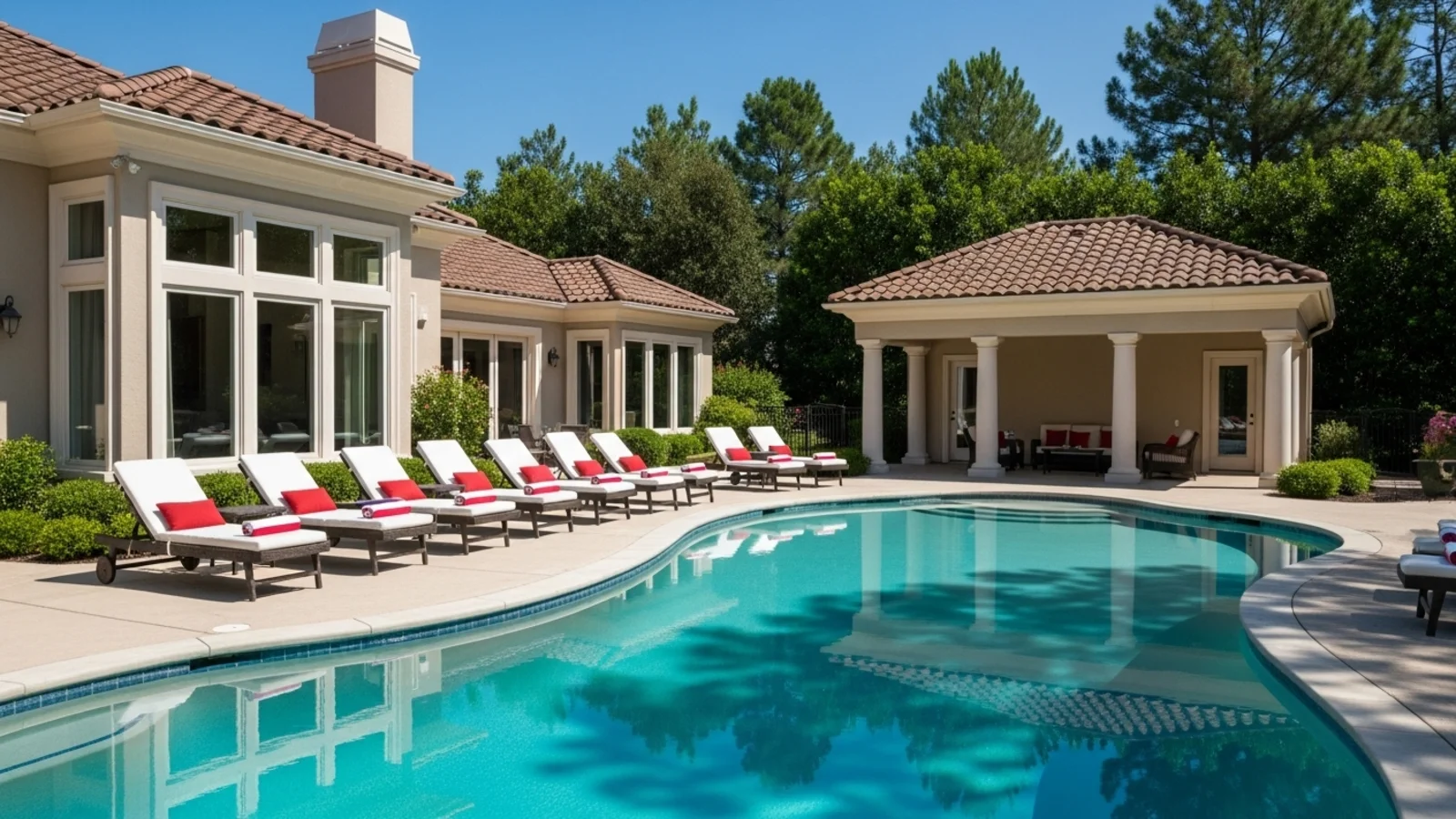
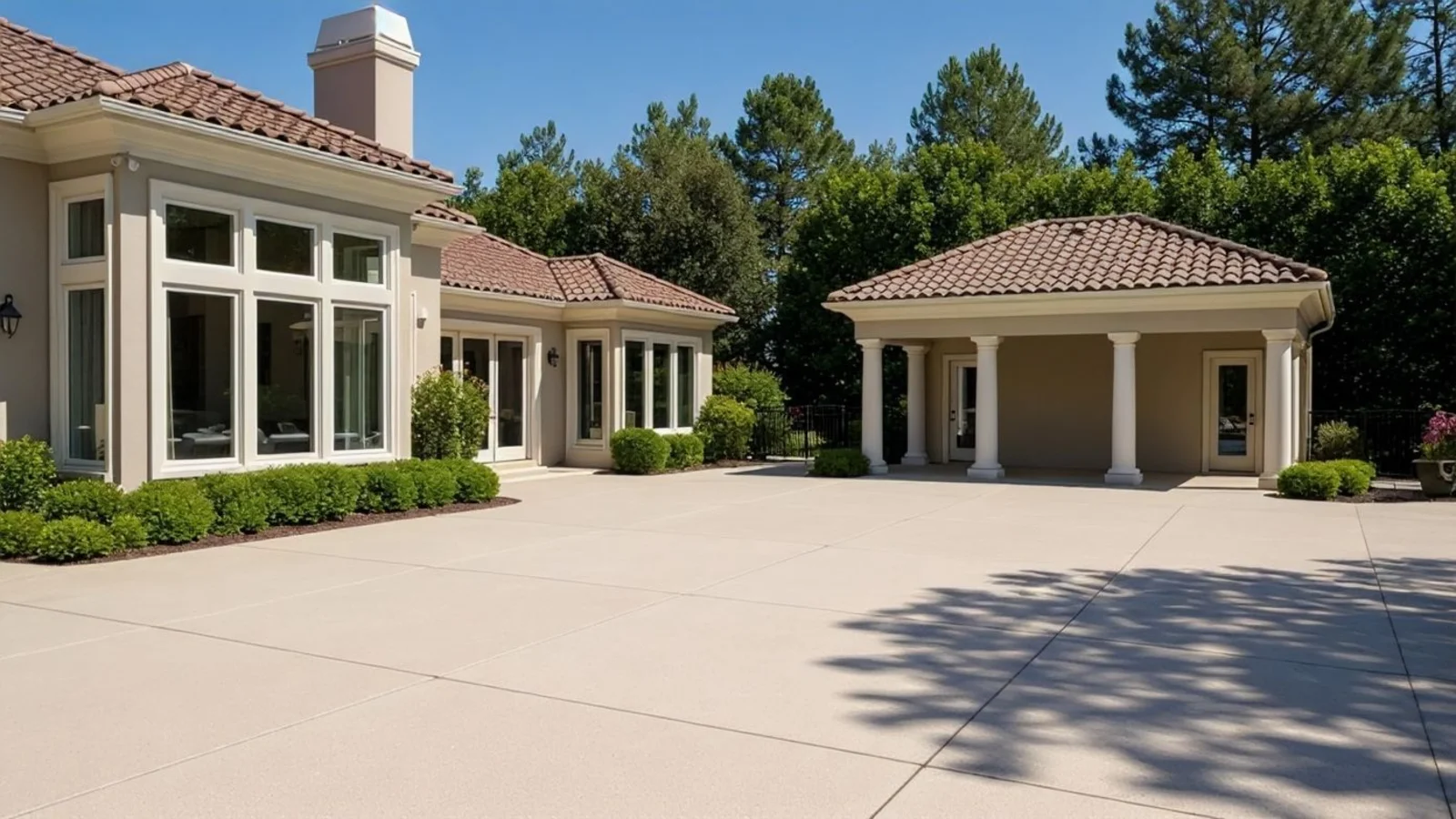
Why Add/Retreat Pool Matters?
Outdoor photos often look unfinished - not because they lack space, but because they lack focus. A well-placed or well-lit pool anchors the scene, balancing openness with calm.
How It Works
From upload to download - naturally intuitive, powerfully smart.
Upload Your Outdoor Photo/s
- Works for backyards, lawns, rooftops, courtyards, or terraces
- Any outdoor space with room for a pool
AI Understands the Space
- Maps ground planes, light direction, reflections, and scale relationships
- Analyzes the terrain for realistic placement
Prompt the Transformation
- "Add a rectangular infinity pool"
- "Replace old pool with a circular spa"
- "Make water look clearer and more reflective"
Refine with Follow-Up Prompts
- "Add stone coping and warm lighting"
- "Make the water shimmer at sunset"
- "Add loungers beside the pool"
- "Keep landscaping untouched"
See the Result Instantly
- The AI integrates the pool naturally
- Respects depth, reflection, and lighting tone
Download When It Feels Right
- Save high-quality visuals for renovation planning
- Perfect for design presentations or real estate marketing
Prompt Guide
Get the best results with clear, specific prompts.
Do This
Recommended
Clearly state the shape and water clarity of the pool.
Specify the exact position where the pool should be added.
If needed, mention any poolside furniture or decor (e.g., loungers, umbrellas, side tables).
Avoid This
Common mistakes
Do not use ambient or mood-based descriptions (e.g., "relaxing," "tropical vibe," "dreamy").
Specificity leads to better results
"Add a rectangular pool with clear blue water."
"Improve the water clarity and reflections in the existing pool."
"Add a small circular plunge pool in the yard with pool furniture."
See the Transformations
Real results from our Add/Retreat Pool solution.
Benefits Tailored to Every User
Gives each user the clarity they need to understand the space and make confident decisions.
Homeowners
Key advantages for your workflow
Visualize pool designs and placement before building
Test materials, shapes, and lighting styles risk-free
Understand how a pool integrates with your yard layout
How the AI Understands Your Space
A clear, grounded explanation of how the system creates realistic results.
Our AI design companion analyzes
Ground topology and material transitions
Reflection mapping and light refraction
Surface textures, shadows, and depth gradients
It integrates pools, lighting, and water behavior with contextual realism. You describe the vision - AI renders it naturally, as if photographed.
See your dream pool in your actual backyard before breaking ground.
Frequently Asked Questions
It's an AI tool that adds, replaces, or enhances pools in outdoor photos while preserving lighting, scale, and reflection.
Absolutely. Change materials, shape, lighting, or water tone with simple prompts.
Yes, you can prompt for "evening glow," "sparkling turquoise water," or "subtle underwater lights."
Yes, process several angles at once for consistency.
Yes, simply prompt the type, shape, or placement you want, and the AI integrates it into the scene.
Yes, the AI maps sunlight, sky tone, and surrounding colors for realistic water reflection.
Only if specified - the rest of the scene stays intact.
Yes, the outputs are realistic enough for marketing, planning, or presentation.
Related Tools
Explore more AI-powered design solutions
Ready to visualize your perfect layout?
Upload your outdoor photo and see a stunning pool in your backyard. Perfect for planning, presentations, and listings.
Reimagine My Home