AI Furniture Facelift - Restyle What You Already Own

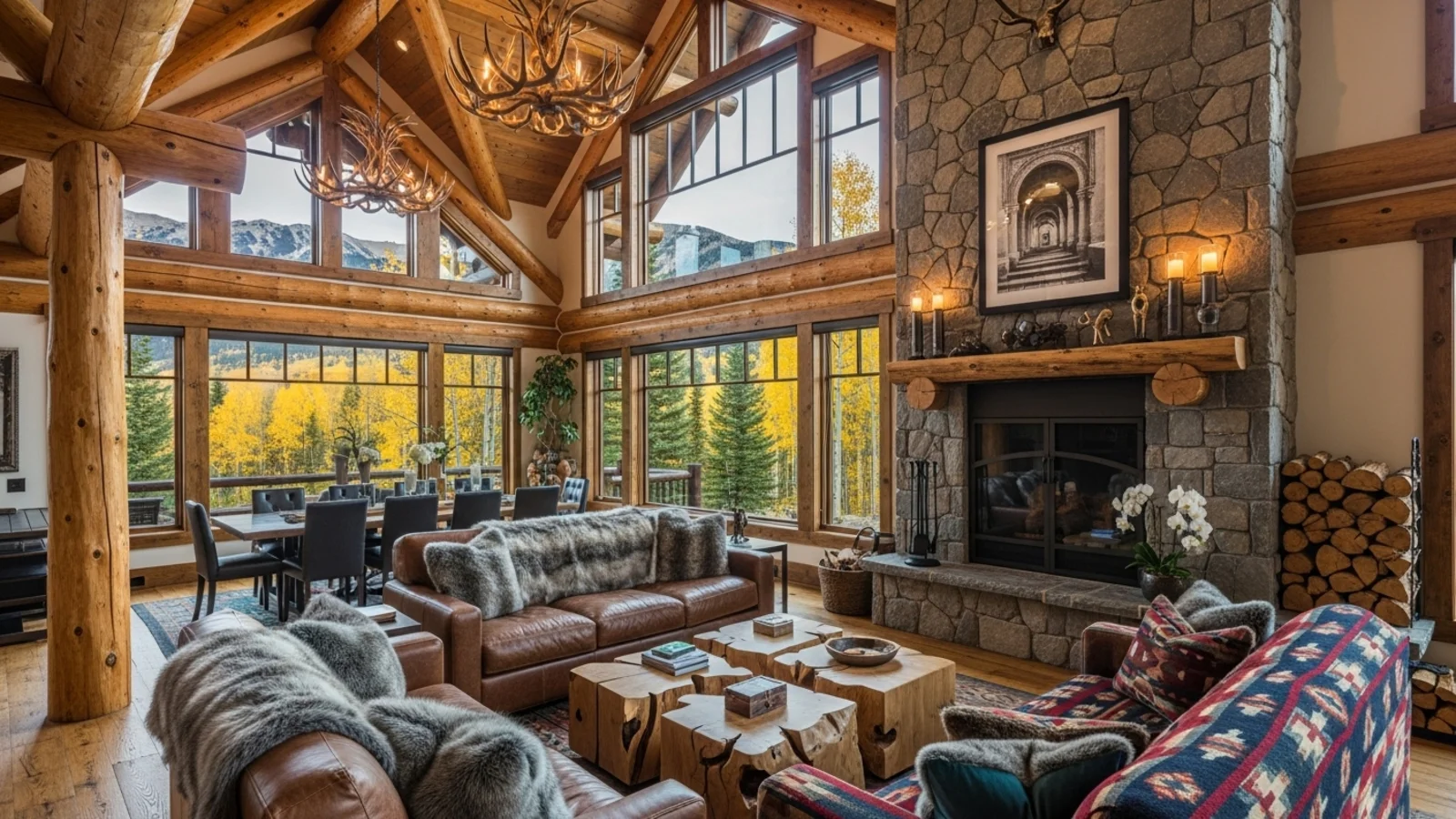
Why Furniture Facelift Matters?
You don't always need new furniture - sometimes, a small change makes it feel entirely new. Color, texture, and finish affect how a piece belongs in the room.
How It Works
From upload to download - naturally intuitive, powerfully smart.
Upload Your Room Photo/s
- Works for any furnished interior
- Any room type with visible furniture
AI Identifies Furniture Surfaces
- Maps upholstery, wood, metal, or stone areas
- Keeps shape and lighting intact
Prompt the Change You Want
- "Make the sofa navy blue velvet"
- "Change the table to walnut finish"
- "Recolor the chair fabric to beige linen"
Refine with Follow-Up Prompts
- "Add subtle gloss to the sideboard"
- "Try matte black on the legs"
- "Make the texture softer and warmer"
- "Keep the current cushions"
See the Updated Look Instantly
- The AI restyles material and color realistically
- No distortions, no fake overlays
Download When It Feels Right
- Save for design planning or furniture updates
- Perfect for listing improvements
Prompt Guide
Get the best results with clear, specific prompts.
Do This
Recommended
Clearly mention which furniture item needs a texture or material change.
Specify the exact texture, material, or finish required (e.g., linen, velvet, walnut wood, matte black).
Avoid This
Common mistakes
Do not request changes to the shape, size, or type of the furniture - only the texture/material.
Specificity leads to better results
"Change the sofa upholstery to light-gray linen."
"Repaint the dining chairs to matte black."
"Change the table surface to dark walnut wood."
See the Transformations
Real results from our Furniture Facelift solution.
Benefits Tailored to Every User
Gives each user the clarity they need to understand the space and make confident decisions.
Homeowners
Key advantages for your workflow
Refresh your furniture without replacing it
Test colors and finishes risk-free
Reduce waste and cost with informed choices
How the AI Understands Your Space
A clear, grounded explanation of how the system creates realistic results.
Our AI design companion analyzes
Material type (fabric, wood, metal, leather, etc.)
Surface reflections and light direction
Color interaction with nearby objects
It then reinterprets the furniture's material properties while preserving geometry and realism. You describe the new finish, AI renders it as if freshly updated.
Give your furniture a fresh look without the cost of replacement.
Frequently Asked Questions
It's an AI tool that recolors or retextures existing furniture in your room photo while preserving realism.
Absolutely - the AI preserves tone, direction, and reflections.
Yes, regenerate variations freely until it fits your style.
Yes, it's great for updating dated furniture visuals in property photos.
Yes, it works for fabric, leather, wood, metal, and stone finishes.
Yes, you can modify one or several items in a single image.
No, proportions and structure remain unchanged.
Yes, the outputs are realistic enough for both presentation and planning.
Related Tools
Explore more AI-powered design solutions
Ready to visualize your perfect layout?
Test-drive layouts visually with ReimagineHome. Drop in your room photo, compare two orientations, and choose the one that fits your life.
Reimagine My Home