AI Furniture & Object Addition
Why Adding Furniture & Objects Matters?
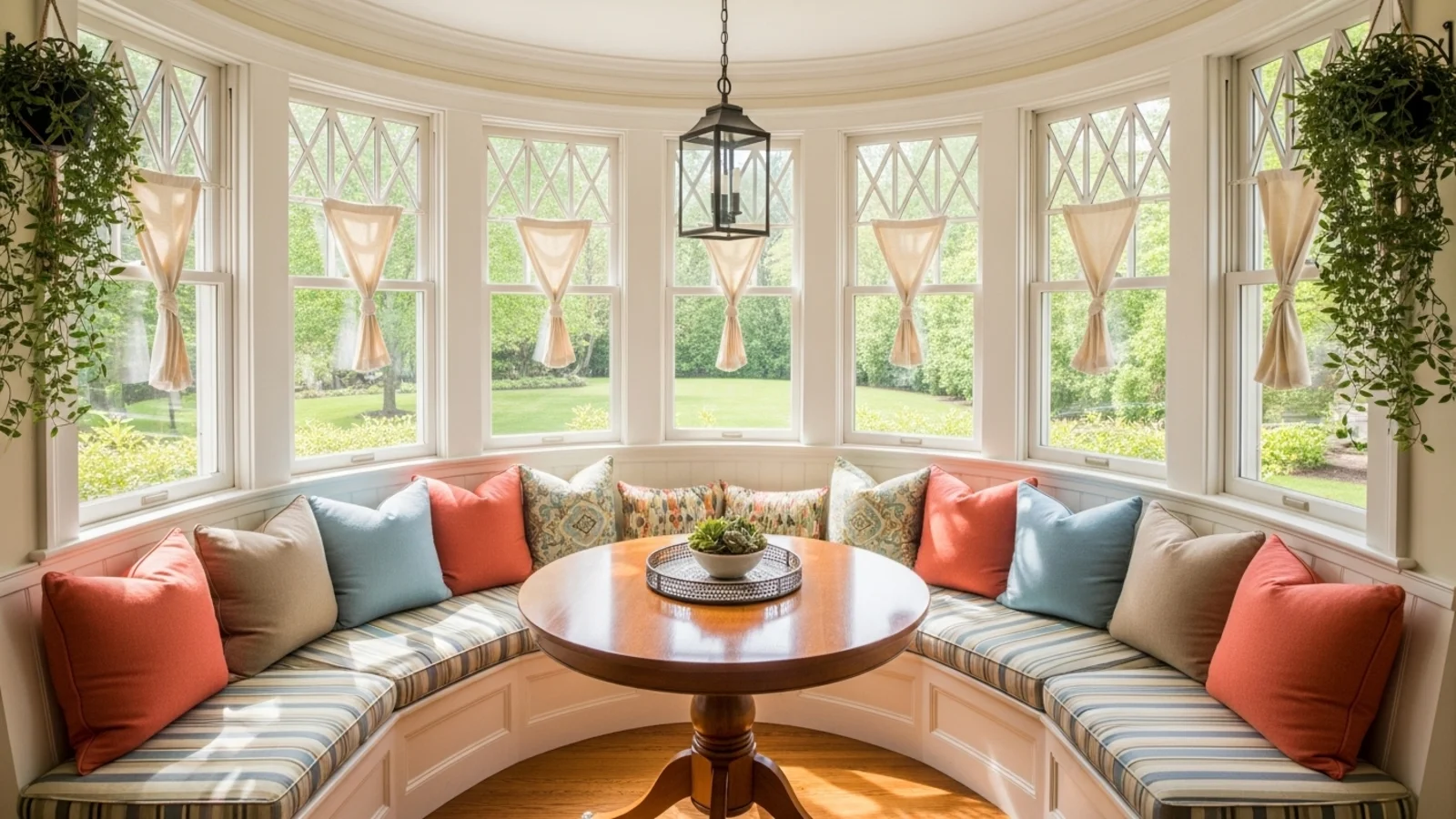
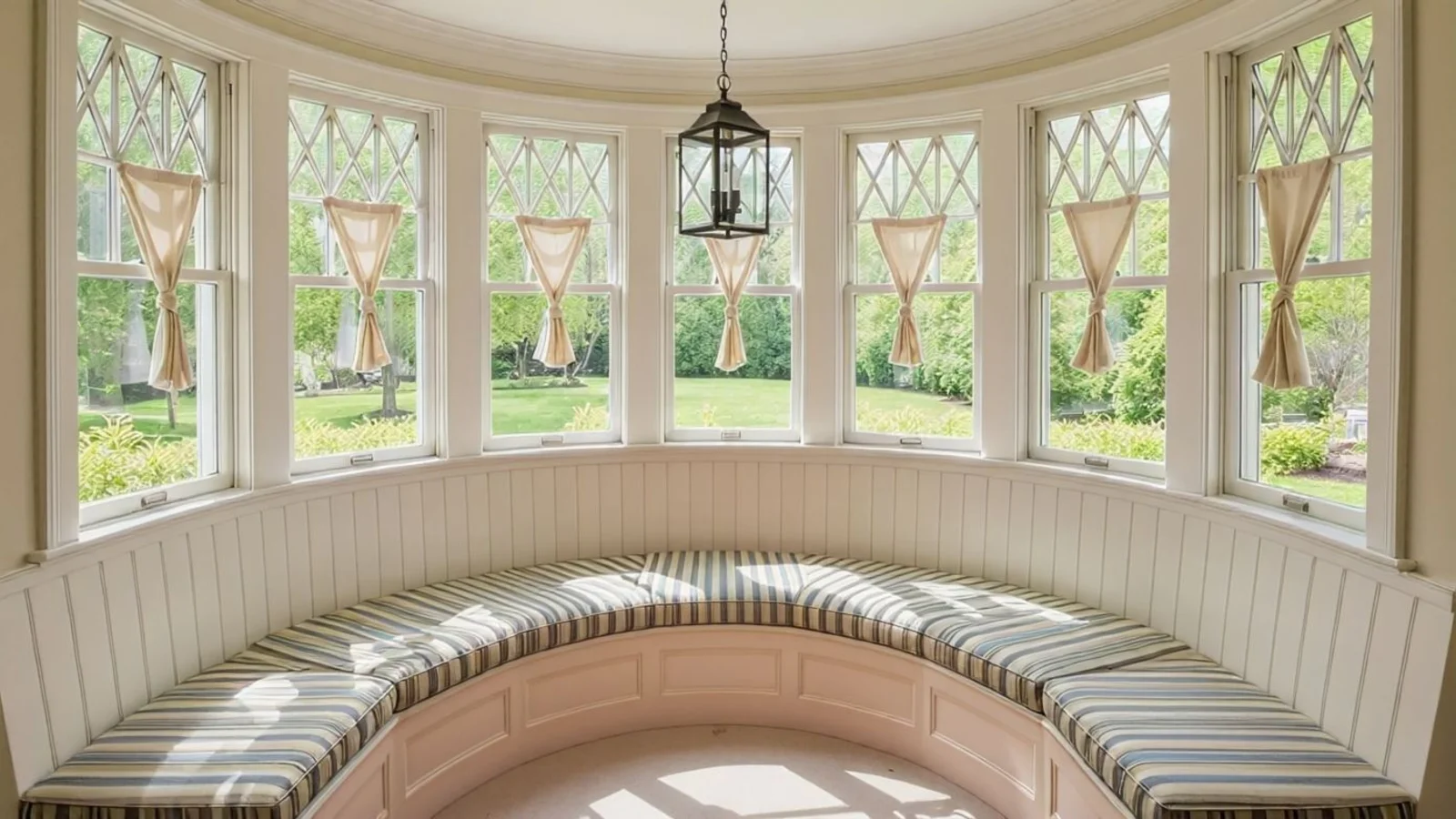
A room often feels incomplete not because it's wrong - but because something's missing. Small details like lighting, art, or a rug give shape and soul to the space.
How It Works
From upload to download - naturally intuitive, powerfully smart.
Upload Your Room Photo/s
- Works for any space: empty, furnished, or partially staged.
AI Understands the Scene
- It reads geometry, light flow, proportions, and existing furniture placement.
Prompt the Change You Want
- Type naturally: "Add a small reading chair in the corner." "Place a rug under the coffee table." "Add pendant lighting above the dining area."
Refine with Follow-Up Prompts
- "Make the rug more neutral." "Add wall art above the bed." "Place a tall plant beside the window." "Try a round dining table instead."
See the Updated Room Instantly
- AI adds the requested elements realistically, blending lighting, shadow, and material.
Download When It Feels Right
- Save high-resolution results for staging, concept boards, or listing upgrades.
Prompt Guide
Get the best results with clear, specific prompts.
Do This
Recommended
Clearly specify the exact item you want to add along with its position in the room.
Mention the color, design, texture, or style if needed.
You can request multiple items to be added in one prompt.
Use action keywords such as "add" or "place."
Avoid This
Common mistakes
Do not overfill the room by requesting too many objects at once.
Avoid mentioning an item without specifying its placement.
Specificity leads to better results
"Add a tall green plant in the back-left corner."
"Place a table lamp on the right-side nightstand."
"Add a small rug centered under the coffee table."
See the Transformations
Real results from our Add Furniture & Object solution
Benefits Tailored to Every User
Gives each user the clarity they need to understand the space and make confident decisions.
Homeowners
Key advantages for your workflow
See how new pieces fit before purchasing
Fill empty or awkward spaces confidently
Discover what makes the room feel complete
How the AI Understands Your Space
A clear, grounded explanation of how the system creates realistic results.
Our AI design companion analyzes
Lighting, shadows, and reflections
Spatial logic and visual hierarchy
Material consistency and tone
It then integrates new elements naturally so each added object feels photographed there, not digitally inserted. You describe the addition. AI builds it with realism.
Complete your room with furniture and decor that fits perfectly.
Frequently Asked Questions
It's an AI tool that adds furniture, decor, or objects into your room photo realistically.
Perfectly - it can fully furnish empty or under-styled spaces.
Yes - the AI blends light, reflection, and shadow for a natural result.
No - walls, floors, and layout remain unchanged.
Yes - just describe what you want (e.g., "add a beige sofa" or "add pendant lights above the island").
Yes - list them in one prompt or add them gradually with follow-ups.
Absolutely - only your requested additions are generated.
Yes - they're ideal for staging, moodboards, and marketing.
Related Tools
Explore more AI-powered design solutions
Ready to visualize your perfect layout?
Upload your room photo and add the furniture, decor, or accents it needs. See the finished space before you buy.
Reimagine My Home