AI Room Repurposing for Smarter Spaces
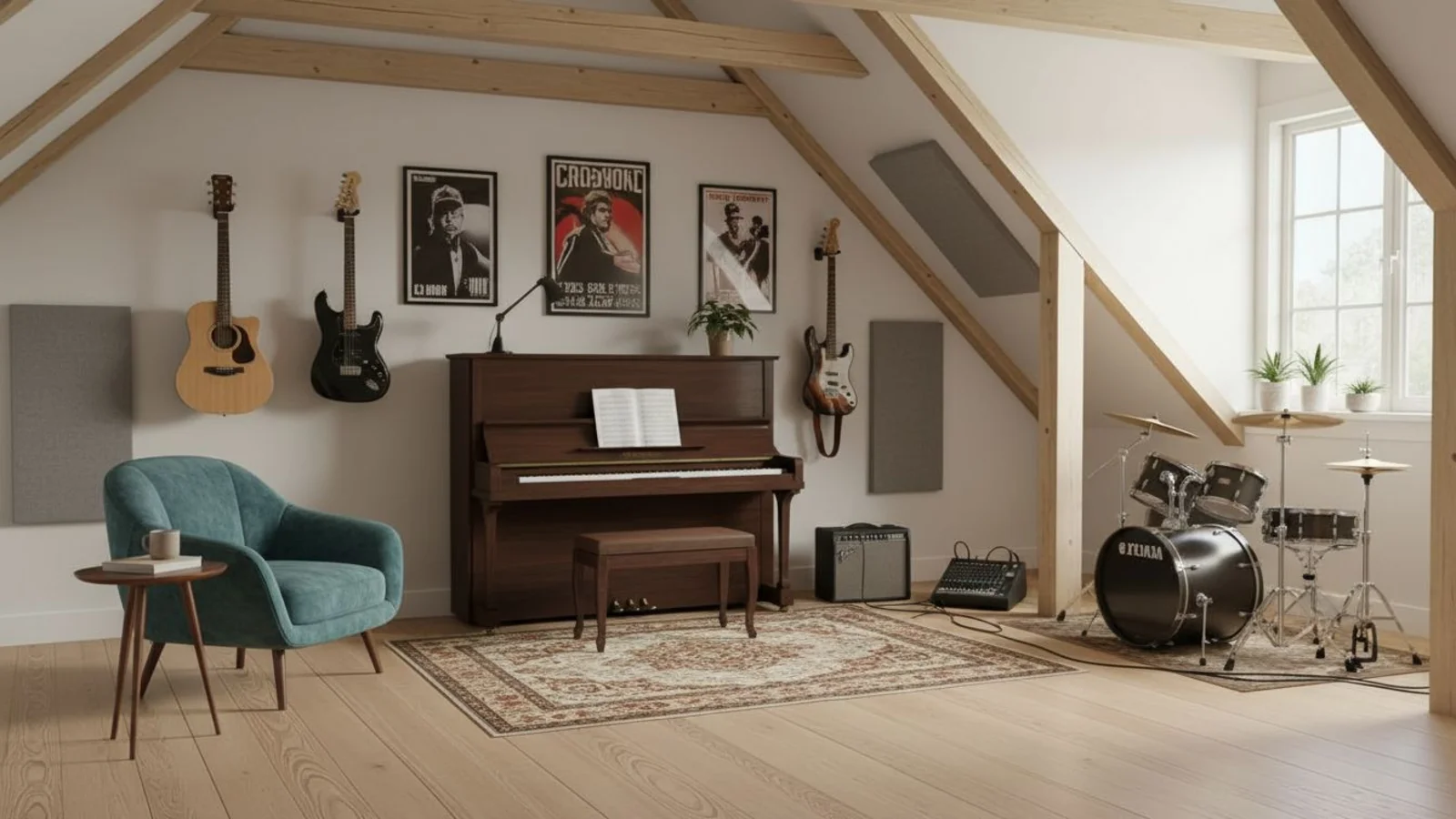
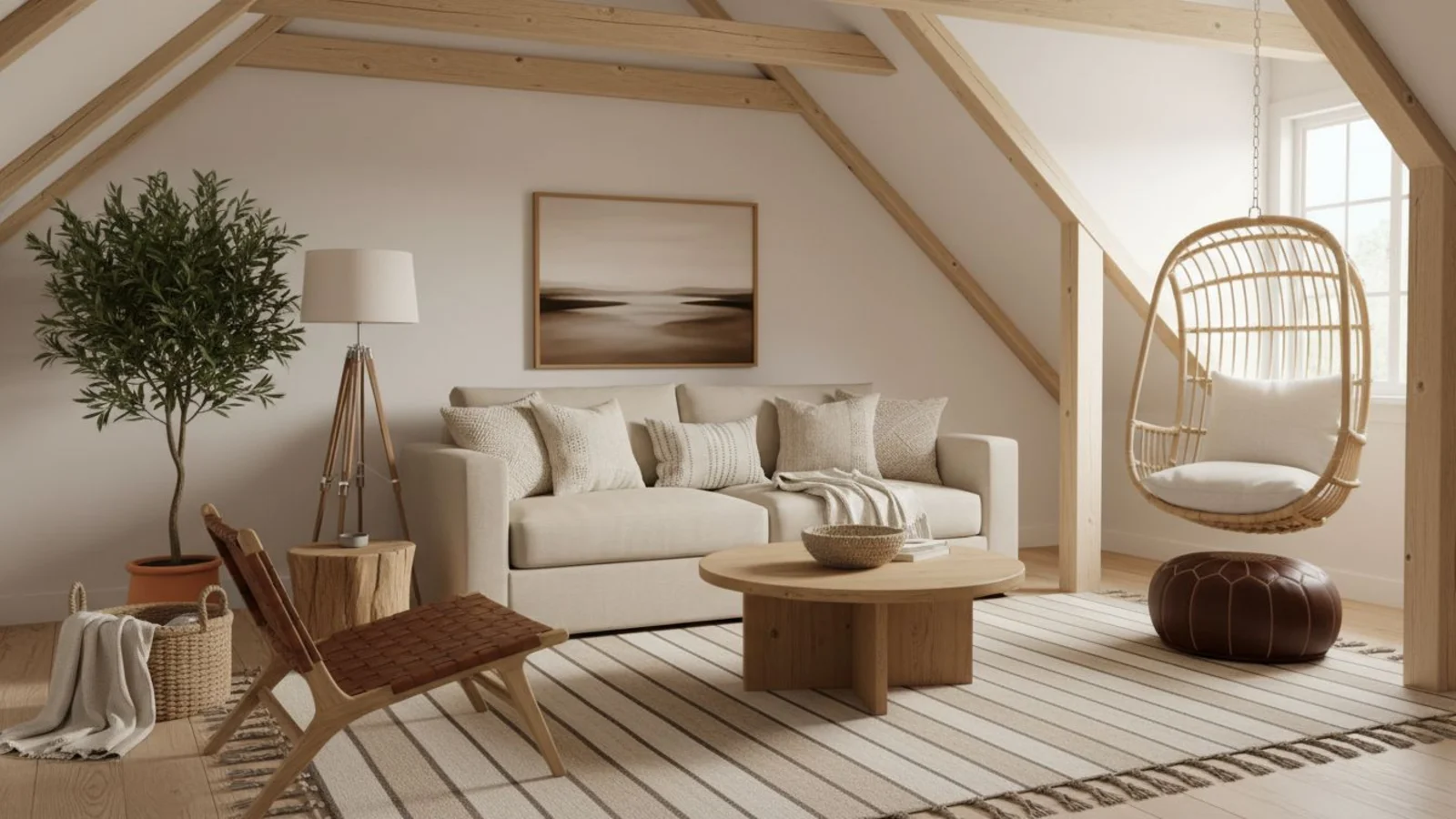
Why Room Repurposing Matters?
Space isn't always the problem - how it's being used often is. Most homes have rooms doing the wrong job simply because they were labeled that way years ago.
How It Works
From upload to download - naturally intuitive, powerfully smart.
Upload Your Room Photos
- Works for any type - furnished, empty, cluttered, or outdated.
AI Understands the Layout
- It reads furniture placement, proportions, wall depth, and natural light.
Prompt a New Function
- Type what you need: "Turn this guest room into a nursery." "Convert this dining room into a study." "Transform this spare room into a yoga studio."
Refine with Follow-Up Prompts
- "Add open shelving and warm lighting." "Include a compact desk near the window."
See the Transformed Space
- AI restyles and reorganizes the layout for the new purpose - keeping lighting and architecture realistic.
Download When It Feels Right
- Save your new space concept for design planning, listing previews, or personal inspiration.
Prompt Guide
Get the best results with clear, specific prompts.
Do This
Recommended
Clearly specify the new room type you want.
If needed, mention the exact items required for the new purpose, along with their positions.
Use clear action keywords such as "convert" or "make."
Avoid This
Common mistakes
Avoid vague or unrealistic room types that do not suit the existing structure.
Specificity leads to better results
"Convert this bedroom into a home office with a desk, chair, and shelves."
"Turn the dining room into a library with bookcases and a reading chair."
"Convert the small room into a kids' study area with a study table and chair."
See the Transformations
Real results from our Room Repurpose solution
Benefits Tailored to Every User
Gives each user the clarity they need to understand the space and make confident decisions.
Homeowners
Key advantages for your workflow
Reimagine rooms to fit changing needs
Avoid renovation guesswork
Unlock new purpose in underused areas
How the AI Understands Your Space
A clear, grounded explanation of how the system creates realistic results.
Our AI design companion analyzes
Room geometry and furniture scale
Light direction and color tone
Layout logic and activity zones
It then restyles the space for your described purpose, preserving the original proportions and lighting. You set the intent, AI handles the visualization.
Transform room function without construction - instantly and realistically.
Frequently Asked Questions
It's an AI tool that visualizes how any room could serve a new function - home office, nursery, gym, studio, or library - instantly.
Yes, it can remove, rearrange, or restyle existing elements to match the new purpose.
Yes - the AI optimizes layout and furniture proportion for your room size.
Yes - lighting, material, and perspective are preserved for photo-real output.
No, walls, windows, and layout remain intact. It only reinterprets furniture and space use.
Absolutely - explore different possibilities before deciding what works best.
Yes - batch processing lets you test transformations across multiple spaces.
Definitely - it's perfect for design proposals, renovation previews, and listing enhancements.
Related Tools
Explore more AI-powered design solutions
Ready to visualize your perfect layout?
Upload your room photo and see it transformed for a new function. Home office, nursery, studio - visualize it instantly.
Reimagine My Home