AI Hardscaping for Patios & Outdoors
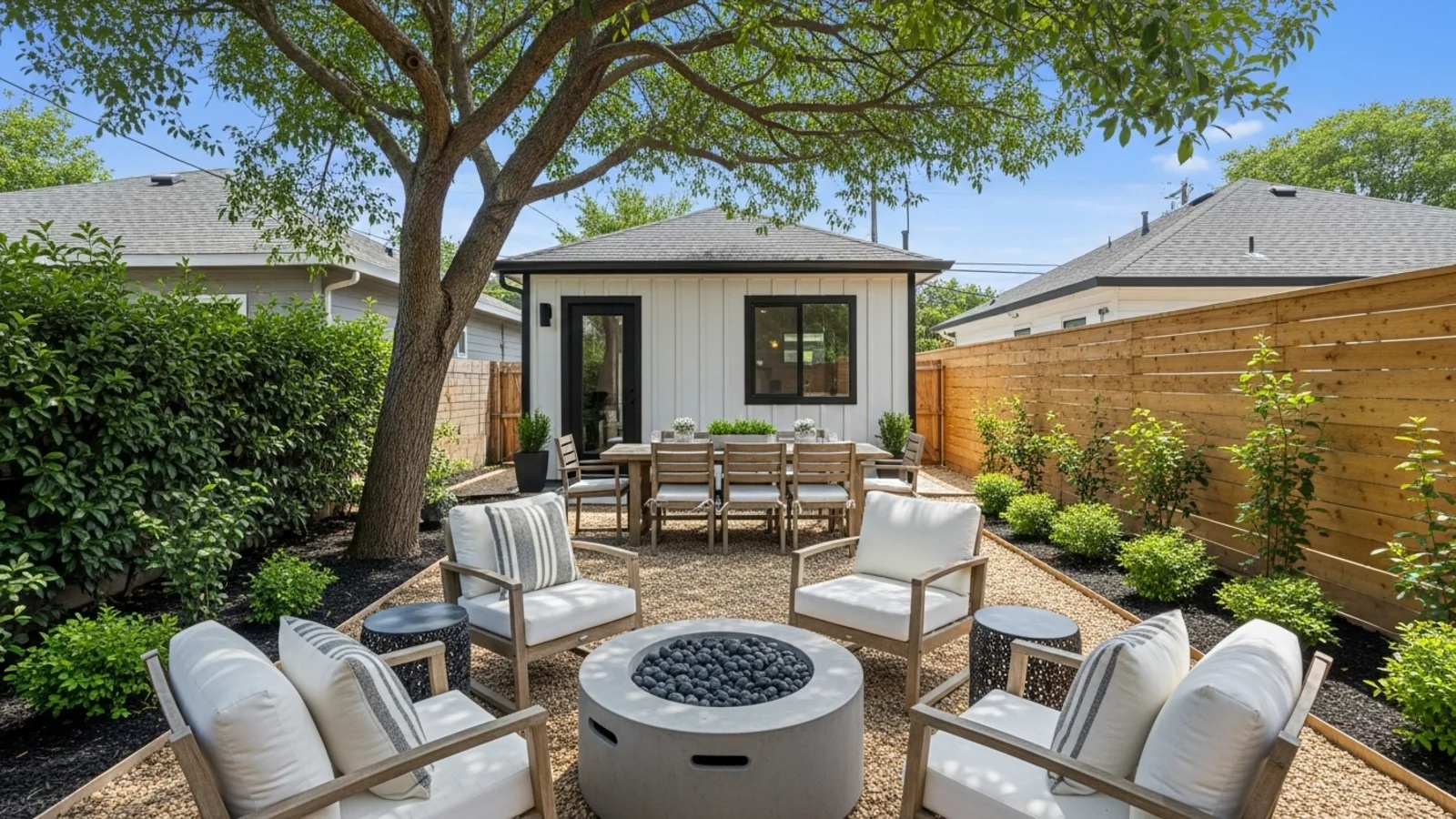
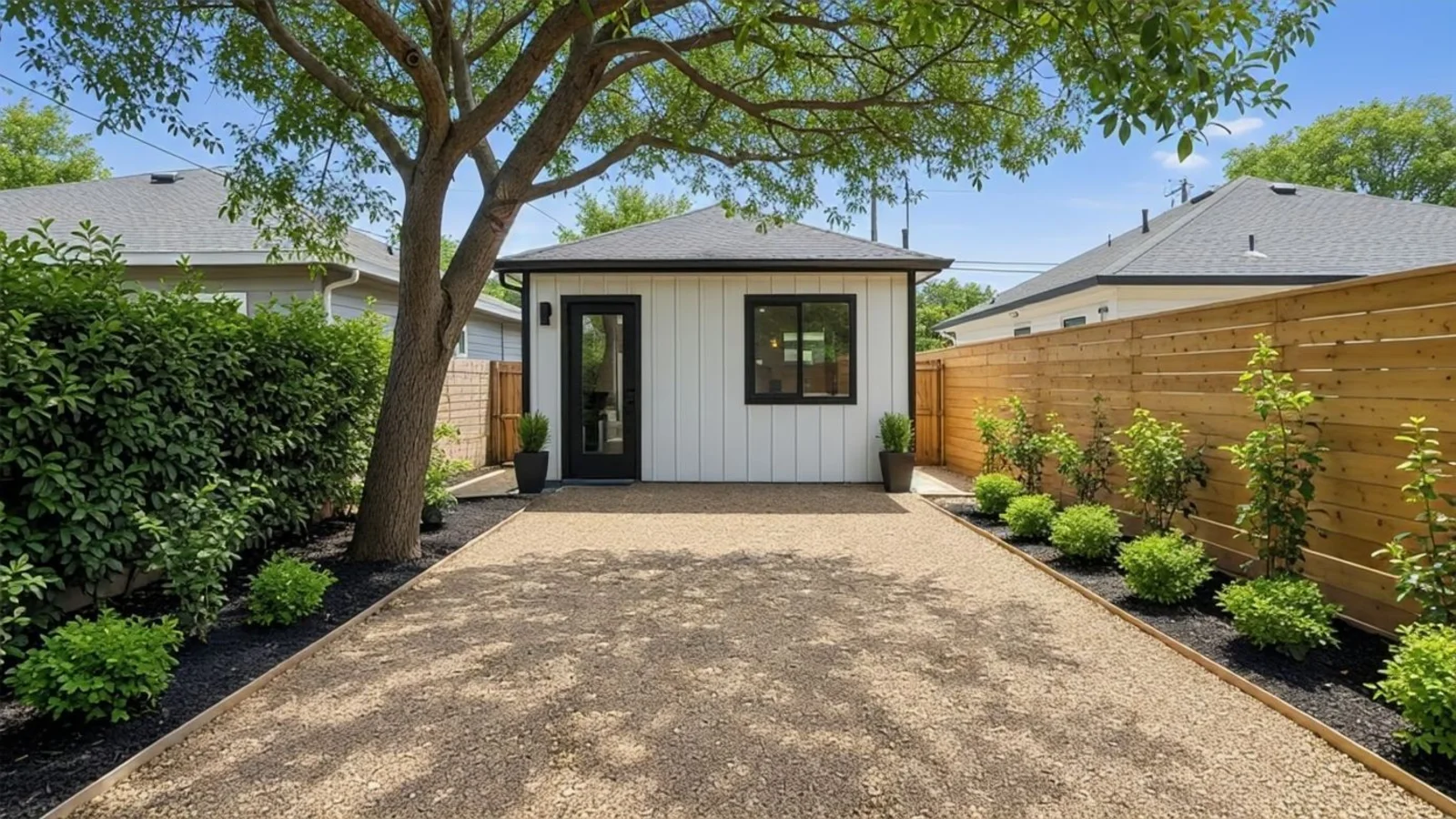
Why Hardscaping Matters?
An outdoor area only comes alive when it's defined. Without pathways, seating zones, or anchors, space feels disconnected and underused.
How It Works
From upload to download - naturally intuitive, powerfully smart.
Upload Your Outdoor Photos
- Works for backyards, patios, terraces, rooftops, and courtyards
AI Reads the Space
- It understands ground level, walls, elevation, and usable areas in natural light
Prompt Your Vision
- "Add a walkway"
- "Make a stone patio"
- "Create zones for seating and dining"
Refine with Simple Follow-Up Prompts
- "Add warm outdoor lighting"
- "Change stone to wood decking"
- "Add a small firepit"
- "Make it more minimal and open"
See a Balanced, Realistic Layout
- The space becomes structured, intentional, and easy to visualize
Download When It Feels Right
- Save high-resolution results for planning, contractor discussions, or real estate listings
Prompt Guide
Get the best results with clear, specific prompts
Do This
Recommended
Clearly name the hardscape element (pavers, tiles, firepit, pergola, deck, etc.) along with its position.
Mention the layout shape (rectangular, circular, square, L-shaped, etc.).
If adding outdoor furniture, specify the exact type (e.g., lounge chairs, dining set, bench).
Avoid This
Common mistakes
Do not request structures that are physically impossible or unsuitable for the available space.
Specificity leads to better results
"Add a rectangular gray stone patio with Scandinavian furniture."
"Add square paver tiles leading from the door to the lawn."
"Add a circular firepit area with a gravel base."
See the Transformations
Real results from our Hardscaping solution
Benefits Tailored to Every User
Gives each user the clarity they need to understand the space and make confident decisions.
Homeowners
Key advantages for your workflow
Visualize new patio or layout ideas before construction
Compare materials and styles side by side
Avoid costly design mistakes or rework
How the AI Understands Your Space
A clear, grounded explanation of how the system creates realistic results.
Our AI design companion analyzes
Ground level and elevation
Light direction and shadow fall
Material texture and realism
How space can flow naturally
It doesn't replace architecture - it reinterprets your outdoor structure for clarity. You stay in control, AI just helps you see the possibilities sooner.
Your outdoor space, defined and designed.
Frequently Asked Questions
It's an AI tool that visualizes patios, walkways, firepits, and outdoor layouts on your actual space photo.
Yes! The AI adapts to spaces of all sizes.
No, the AI works within your existing space and doesn't alter structural elements.
Yes! Use follow-up prompts to refine materials, layout, or features.
Yes, the high-resolution renders are perfect for contractor discussions and planning.
Yes, the AI applies realistic textures that match proper lighting and shadows.
Yes, you can process several angles for comprehensive planning.
No, it's a visualization tool. Consult professionals for structural engineering and building codes.
Related Tools
Explore more AI-powered design solutions
Ready to visualize your perfect layout?
Test-drive layouts visually with ReimagineHome. Drop in your room photo, compare two orientations, and choose the one that fits your life.
Reimagine My Home